
Community Groups
Our district uses ParentSquare Community Groups to share information beyond current students, parents, and staff. ParentSquare is a safe, secure, and modern approach to communication and collaboration between schools and the broader community.
At [School Name], we believe that a vibrant school is the heart of a thriving community. We invite you to join one or more Community Groups—a direct bridge between our classrooms and your inbox.
Bond Updates (DEMO USE ONLY)
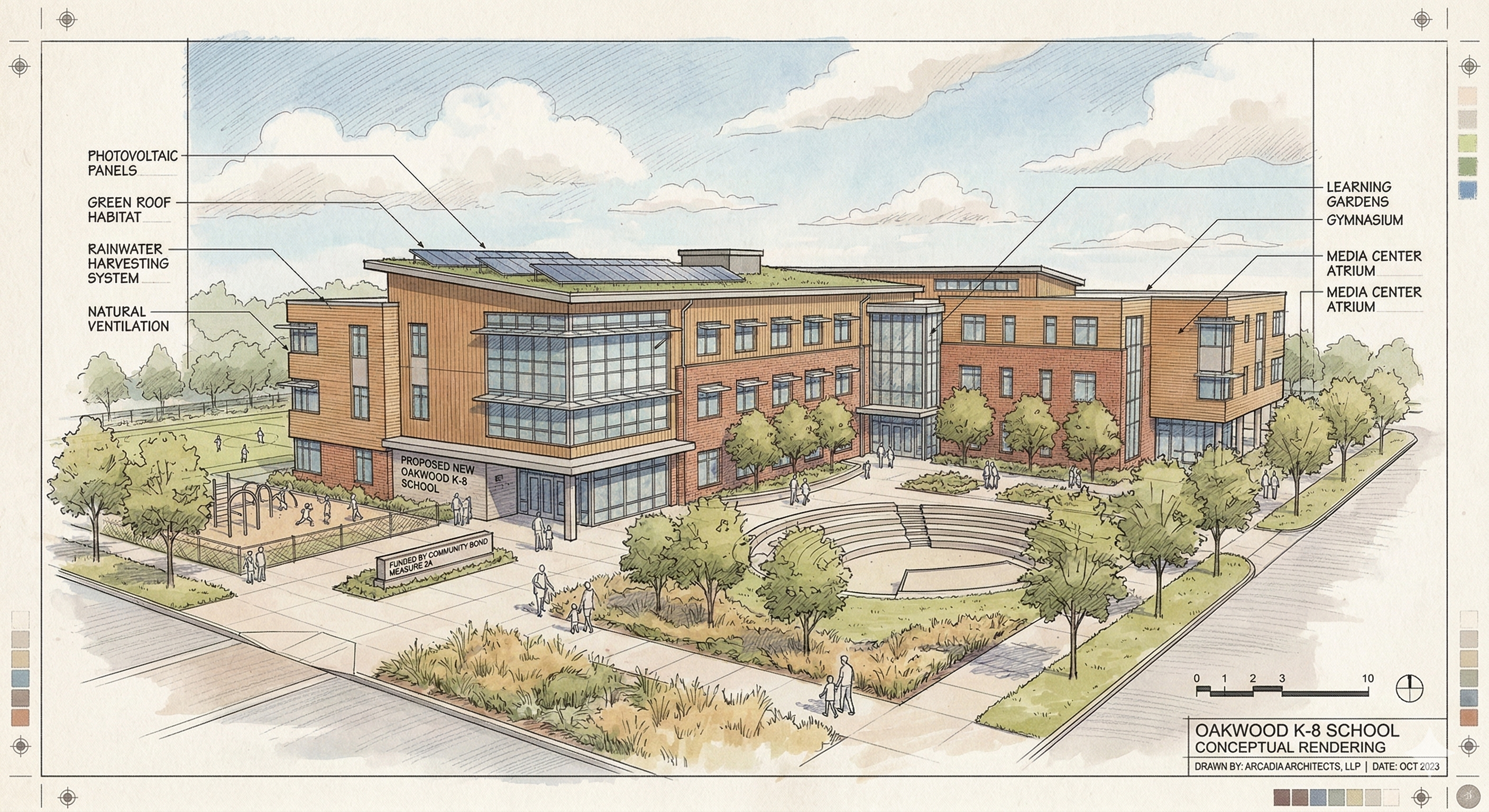
[This group is for demonstration purposes only and is not associated with any actual bond projects.] Stay informed and see your tax dollars at work by joining our bond construction Community Group. You'll receive behind-the-scenes progress photos, budget transparency reports, and early notifications about upcoming project milestones. Don't miss a single update as we build a brighter future for our students—sign up today to watch this vision become a reality. [This group is for demonstration purposes only and is not associated with any actual bond projects.]
Why Staying Informed Matters
In today’s fast-paced world, information is more than just data; it is the foundation of a stronger modern society. When we are well-informed, we move away from speculation and toward shared understanding. By staying updated on school initiatives and local achievements, you aren't just reading news—you are participating in a culture of transparency and mutual respect.
Building a Sense of Belonging
Being "in the loop" does wonders for our collective well-being. It ensures that every parent, neighbor, and local partner feels connected and valued. When you know what is happening behind our doors, you are no longer an observer; you are a vital part of the [School Name] family. This sense of belonging fosters a supportive environment where everyone feels seen and heard.
From Information to Action
Knowledge is the first step toward meaningful impact. By staying informed, it is easier to take your involvement to the next level: active participation. Whether it’s attending a seasonal showcase, volunteering for a mentorship program, or supporting a local fundraiser, your engagement has one singular, powerful end goal: helping our students reach their maximum potential.
FAQ

-
Your school or district will provide you with a link to a page where you can sign up.
On the signup page, fill out your name, email address, and phone number. (This information is not shared with third parties.) Then you will receive an email where all you have to do is click the link provided to activate your account.
-
-
No. Guests only receive notifications for posts sent directly to the Community Group they belong to. They will not receive district-wide, school-wide or class posts unless their specific Community Group is also selected as a recipient.
-
Yes. On the web, from Home, click Groups under Participate in the left sidebar. Locate the Community Group and click Leave.